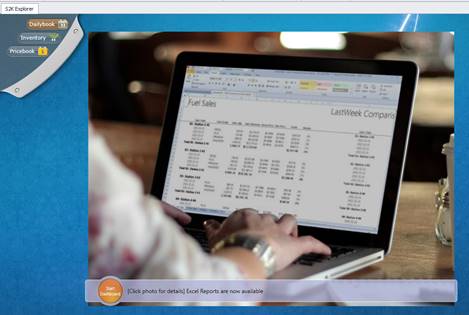
When you first open Series2K you will be directed to the home screen
The home screen is the main navigation tool for S2K. The home screen contains the menu options and the dashboards
To access the main menu of S2K, click on the grey pull down tab in the upper left-hand corner of the Home Screen
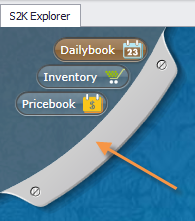
This is where you can access the three main menu options: Price Book, Inventory, and Daily Book
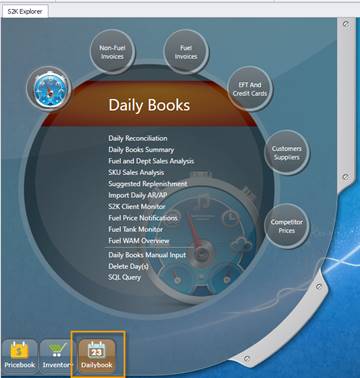
The system will default to the Daily books menu. You can navigate through S2K by clicking and of the three primary menu option buttons
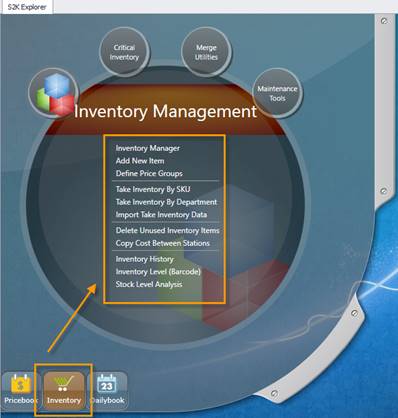
Click the Inventory menu button and the screen will update to the inventory options menu
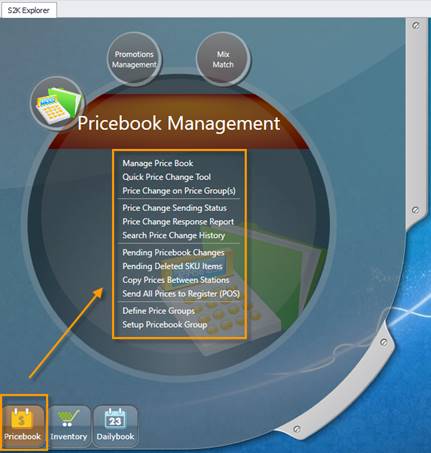
Click the Pricebook menu button and the screen will update to the pricebook options menu
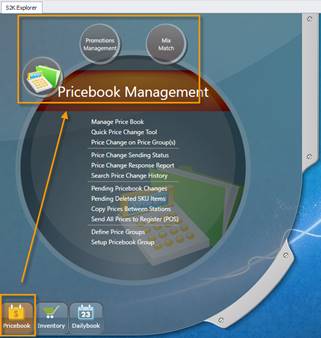
Each main menu window is divided with sub-section bubbles.
When you click one of these bubbles you will be able to view and access a list of links pertaining to that section.
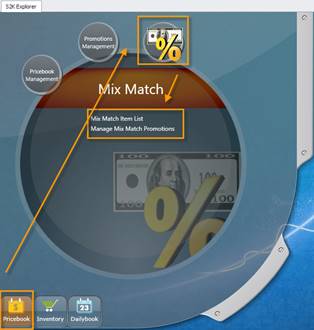
Click on the bubbles and links to access the S2K option you are looking for.